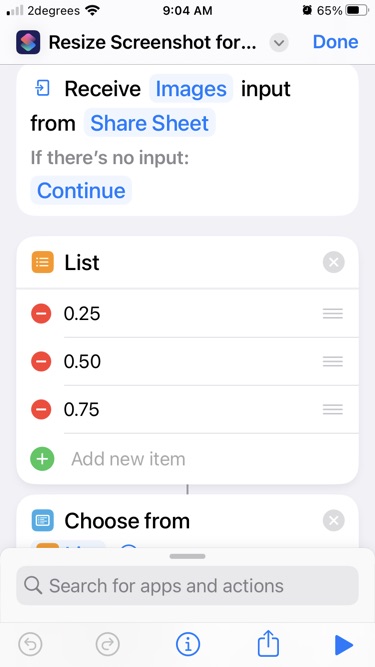
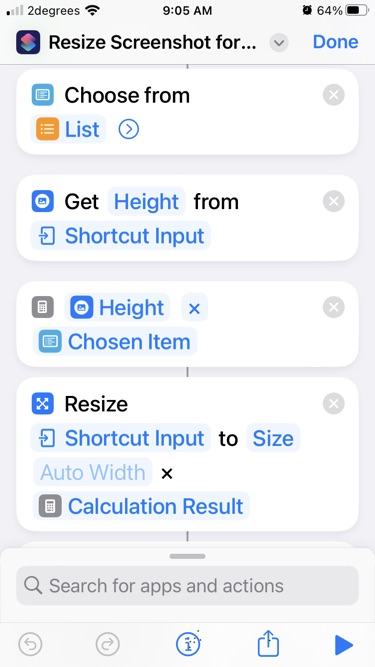
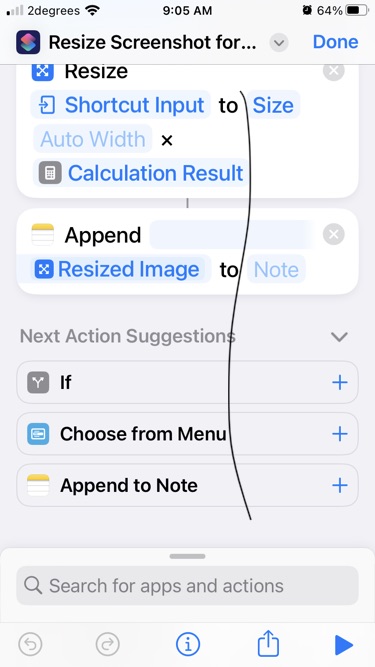
flow testing
This photo: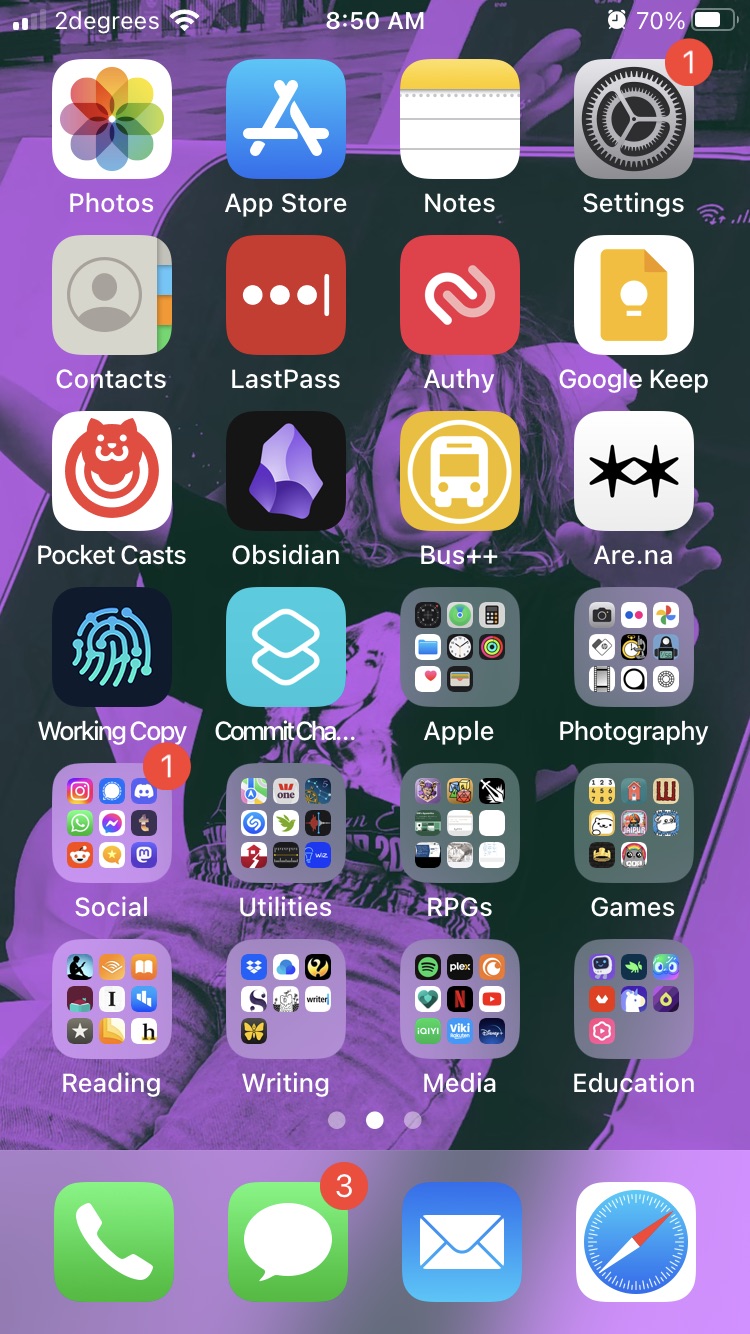 Was saved to my cloud Files folder where I tagged it with “blog”. I note if you go into the edit menu you can add a description for images, which is nice. But I am next going to set up an Automator function or shortcut to resize the blog photos to use in notes.
Edit!! I have found a shortcut that’s good enough:
It was called “resize screenshot for Evernote” but with a very small tweak it’s now resizing a picture and appending to a note.